
ClearMeta
macOS Application
Advanced metadata removal and image processing for photographers, designers, and privacy-conscious users.
See ClearMeta in Action
Key Features
Advanced Metadata Removal
Remove EXIF, IPTC, XMP, GPS data, MakerNotes, thumbnails, and ICC profiles with granular control and preset configurations.
Format Conversion & Compression
Convert between JPEG, PNG, HEIC, and TIFF formats while cleaning metadata. Configurable compression quality for optimal file sizes.
Image Resizing
Resize images by percentage (75%, 50%, 25%) or custom pixel dimensions while removing metadata in a single operation.
High-Performance Batch Processing
Process hundreds of files simultaneously with adaptive batching, parallel processing, and real-time progress tracking.
Powerful Workflow
ExifTool integration, thumbnail previews, and metadata scanning with detailed reporting.
Complete Privacy
100% local processing with no internet connection required. Your files and metadata never leave your Mac.
Screenshots
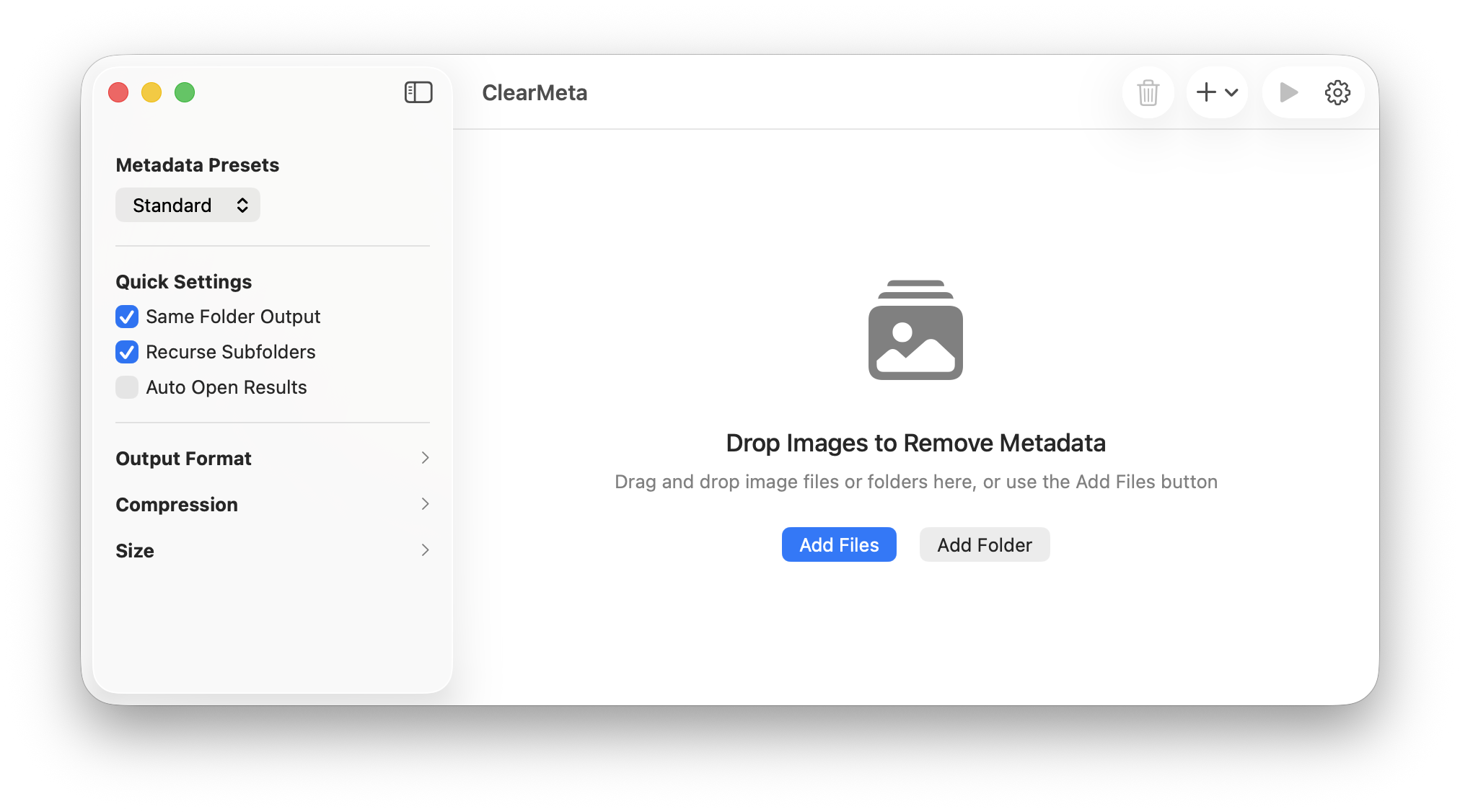
Main interface showing batch processing
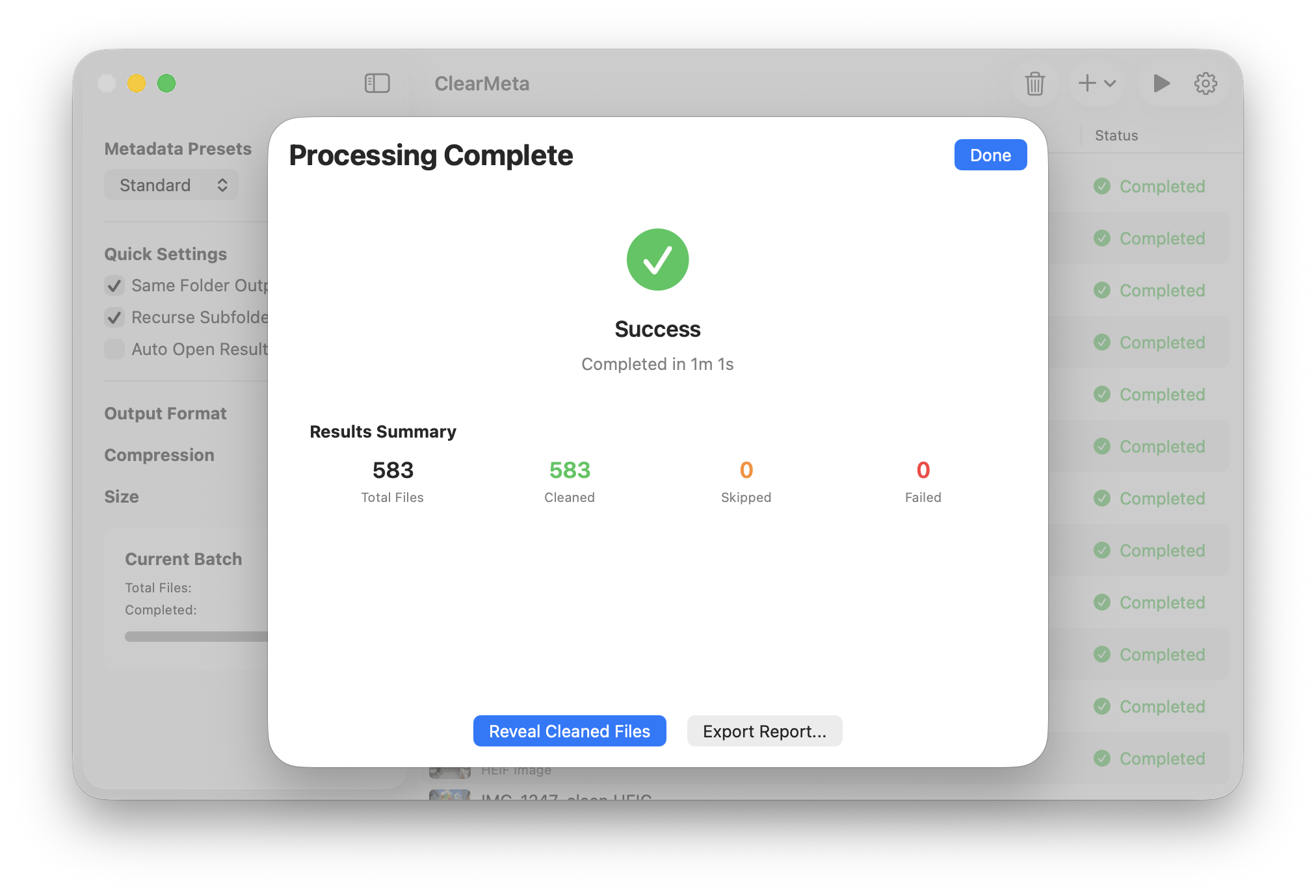
Processing results and file details
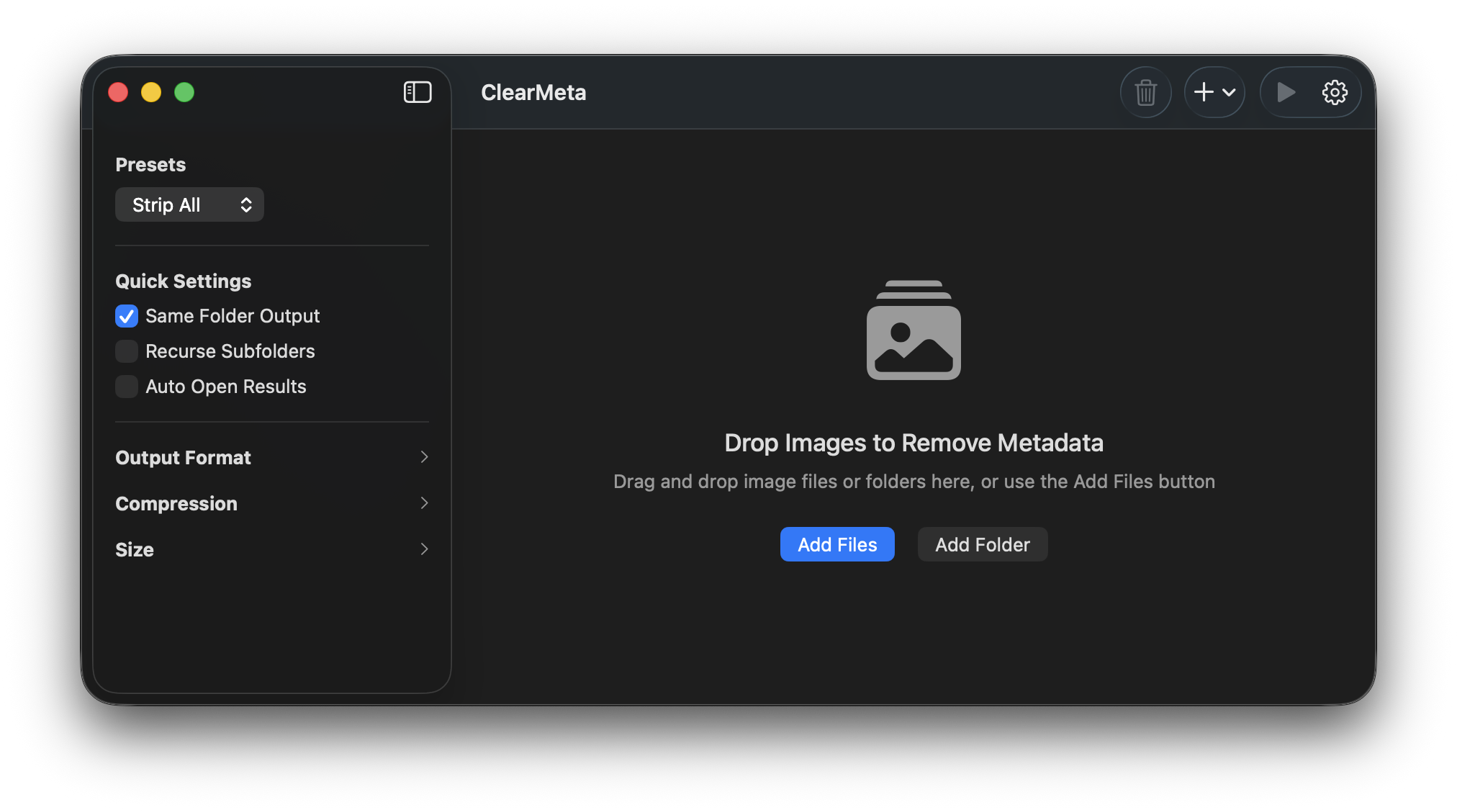
Dark mode interface
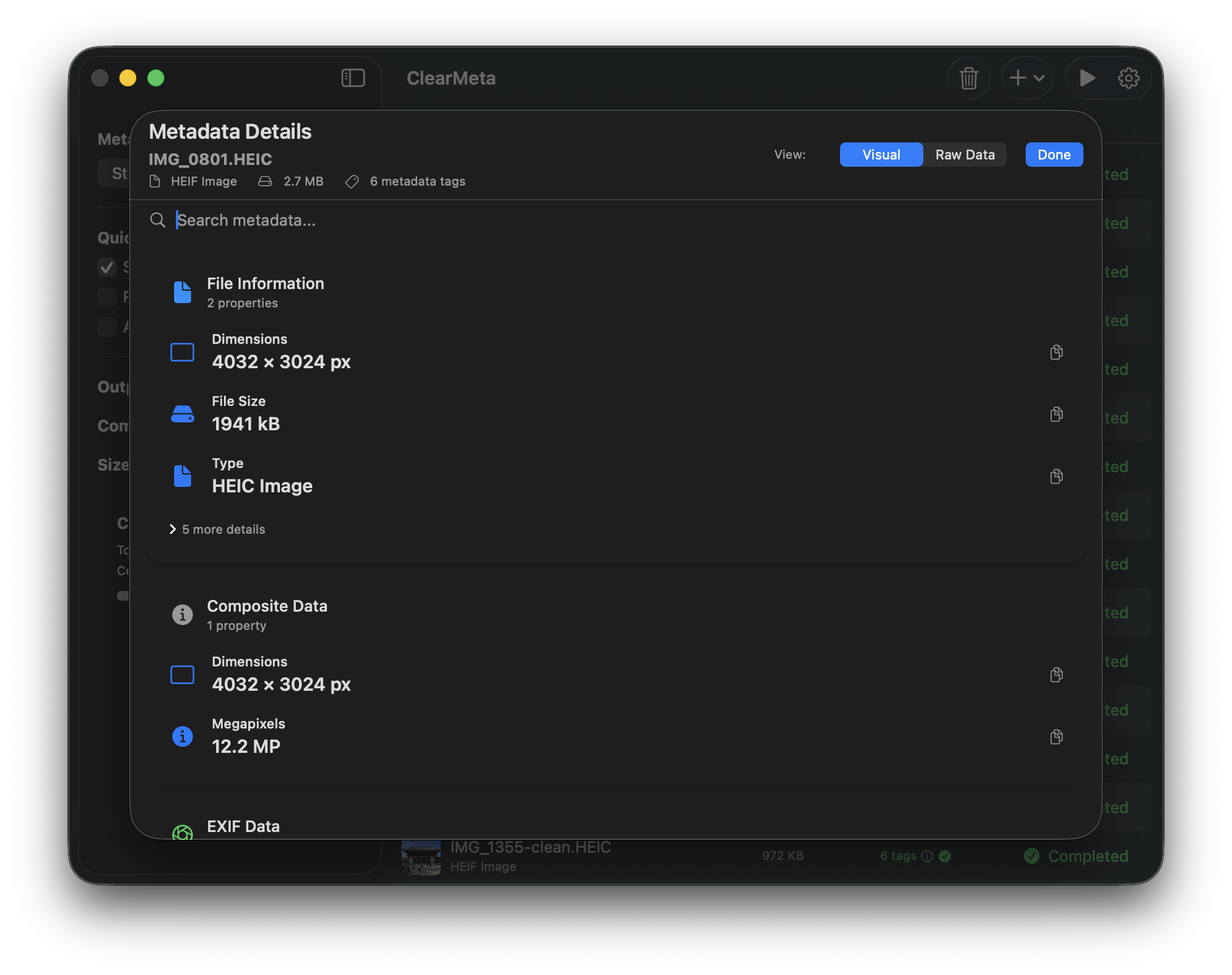
Metadata information panel
Your Privacy Matters
ClearMeta is designed with privacy as the top priority. The app:
- Processes all files locally on your Mac
- Never sends data to external servers
- Doesn't collect or store any personal information
- Only accesses files you explicitly select
Supported File Formats
Supported Formats
JPEG, HEIC, PNG, TIFF
System Requirements
Operating System
macOS 13.3 or later
Processor
Apple Silicon or Intel Mac
Storage
100 MB available space